




Organize Figma Files Before You Start
Stop wasting time setting up dividers, covers, and empty pages. Scaffold a professional workspace in under 30 seconds.
Generate My File StructureIncludes Handoff & Journey Map Presets
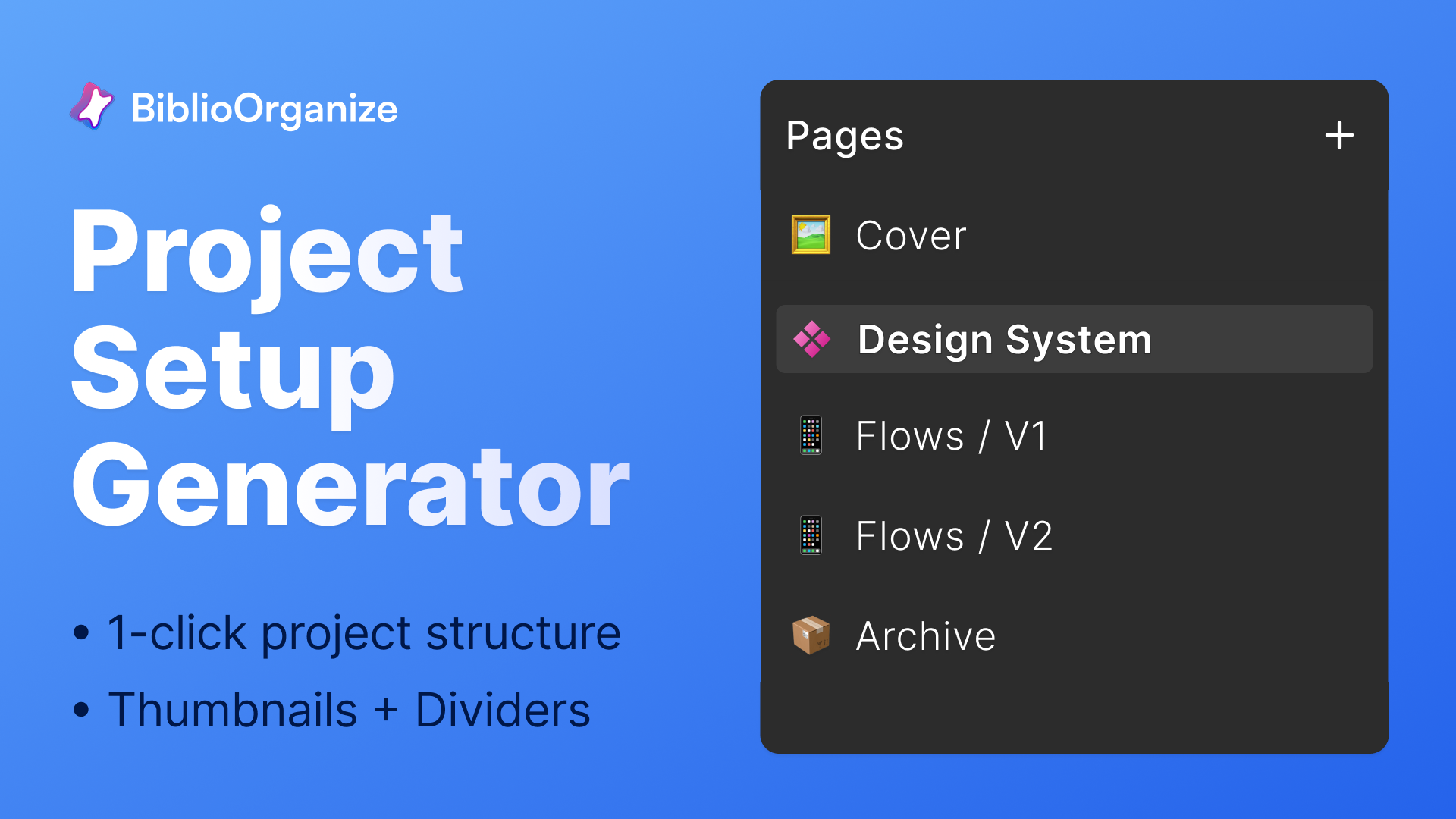
Your team wastes hours on setup.
- Every new file starts with the duplication of another file or an empty canvas and no structure.
- Inconsistent page hierarchies across projects confuse handoffs.
- No standardized covers, status cards, or documentation anchors.
The Setup Tax
Every designer reinvents the wheel on every project. That's hours lost that could go toward actual design work.
"We spent the first two days of every sprint just organizing files instead of designing."
Screenshot: Empty Canvas vs Organized File
Typical Result: Ready in Under 30 Seconds
See OrganizeFile in Action: Scaffold Files Instantly
GIF: Select Preset -> Click Create -> File Scaffolded
Before: Empty File
Blank canvas, no structure
After: Organized Pages
Covers, dividers, README cards
Preset Options
Trusted byDesign Ops TeamsProduct DesignersJourney MappersPMsDesign System Teams
Three steps to a production-ready file.
1
Step 1: Open Plugin
Open OrganizeFile
Launch the plugin from your Figma menu. Your last preset and toggles are remembered.
2
Step 2: Select Preset
Pick Your Preset
Choose Product Handoff or Journey/Flow Maps. Toggle archive dividers and pro tips on or off.
3
Step 3: Click Create
Create Blueprint
One click scaffolds your entire file with pages, covers, README cards, and documentation anchors.
One-Click File Scaffolding
Create divider pages, covers, and README/status frames instantly. No more blank canvas paralysis.
- Opinionated hierarchies in under 30 seconds
- Cover pages with project metadata
- README/status cards with owner and checklist fields
Screenshot: Scaffolded File Structure
Reusable Presets
Product Handoff and Journey/Flow Maps presets cover the most common project types.
- Product Handoff: status, review, ownership scaffolding
- Journey Maps: flow-mapping with states and entry/exit points
- Archive dividers and documentation anchors included
Screenshot: Preset Selection
Idempotent Runs & Rollback
Rerun the plugin safely. OrganizeFile detects existing scaffolds and skips duplicates. Partial failures roll back automatically.
- Detects existing elements to avoid duplicates
- Warns when runs exceed 30s target
- Rollback cleans up partial scaffolds on failure
Screenshot: Idempotent Detection
Contextual Pro Tips
Trojan Horse tips nudge teams toward proven Biblio workflows. Toggleable and non-intrusive.
- Context-aware sticky notes on relevant pages
- Links to RenameVariantsAI, ComponentQA, and more
- Toggle tips off in the preset panel
Screenshot: Pro Tips
Professional File Organization on Autopilot.
Product Handoff
Problem: Every handoff has different structure.
Result: Consistent templates with ownership fields.
Before: Random Pages
After: Organized Handoff
Journey Mapping
Problem: Flow maps start from scratch.
Result: Pre-built structure for cross-functional mapping.
Before: Empty Canvas
After: Journey Template
Scaffold your file in seconds.
OrganizeFile is coming soon. Start every project with professional structure.

File Organized
Frequently Asked Questions
When will OrganizeFile be available?
OrganizeFile is coming soon. We're putting the finishing touches on the plugin and will announce the launch date shortly.
Does it work with existing files?
Yes. OrganizeFile detects existing scaffold elements and skips duplicates to avoid conflicts.
Can I customize the presets?
V1 includes Product Handoff and Journey/Flow Maps presets. Custom preset builder is planned for future releases.
Will it break my existing pages?
No. OrganizeFile adds new pages and scaffolding without modifying existing content. Rollback cleans up partial failures.
How to Use OrganizeFile
Step-by-step guides for common workflows
OrganizeFile
How to Organize Your Figma File Structure
Figma files become disorganized chaos over time
Read guide
OrganizeFile
How to Create a Figma File Template
Starting new projects from scratch wastes time and loses best practices
Read guide
OrganizeFile
How to Create Icon Components in Figma
Icons break when resized or need color changes
Read guide
Start every project right.
Set up your file with professional structure—pages, sections, and naming conventions from the start.
Coming Soon
Need to batch-rename your variants? Batch-rename variants with RenameVariantsAI