





Tables shouldn't be this hard.
- Manually resizing 12 columns every time text changes.
- Sub-pixel bugs causing 1px misalignments on export.
- Tedious background layer management for zebra striping.
The Layout Tax
Designers spend hours fiddling with "Fill container" vs "Fixed width" instead of designing the data view.
"I dread designing data tables because keeping the columns aligned across 50 rows is a nightmare."
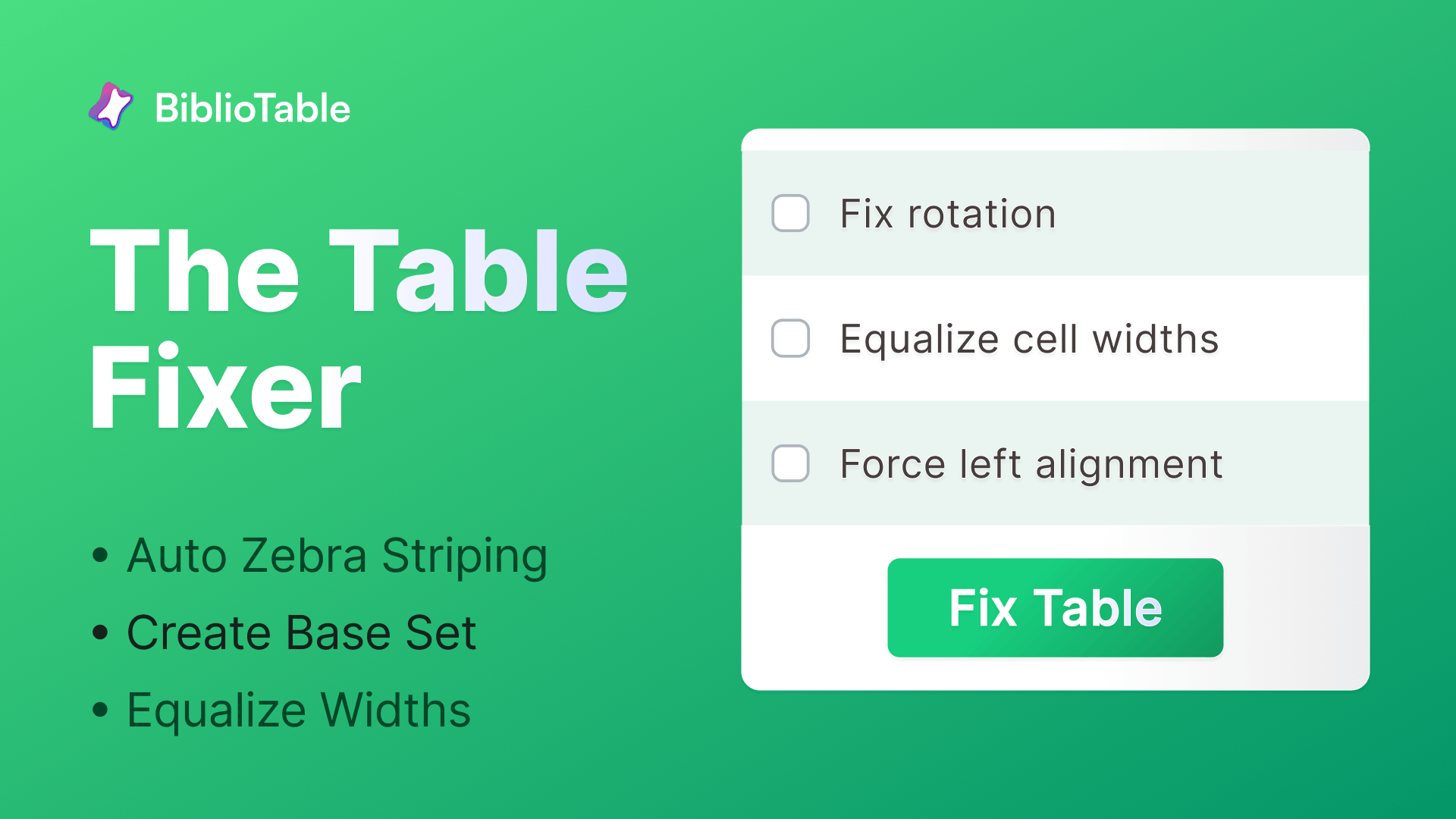
Typical Result: Perfect Alignment in 2s
Watch FixTable in Action: Normalize & Zebra-Stripe Figma Tables
GIF: Select Table -> Click 'Normalize Widths' -> Columns Snap to Grid
Before/After: Jagged Columns
Fixed 12 columns
Zebra Striping Control
Alternating rows applied
Pixel Perfect Report
Three steps to order.
1
Step 1: Select Auto-Layout Frame
Select Table
Select any frame using auto-layout for rows and columns. FixTable analyzes the structure.
2
Step 2: Choose Normalization Strategy
Set Rules
Choose to equalize column widths based on the widest cell or a specific fixed width.
3
Step 3: Apply & Stripe
Instant Polish
Apply the fix. Optionally add zebra striping to rows for better readability.
Normalize Column Widths
Instantly force every cell in a column to match the width of the widest header or data cell. No more manual resizing of 50 individual rows.
- Scans entire table stack
- Matches widest cell content
- Respects padding and gaps
Screenshot: Column Width Controls
Generate Zebra Striping
Add alternating background colors to your auto-layout rows without creating messy background rectangles manually.
Screenshot: Zebra Stripe Toggle
Fix Sub-Pixel Bugs
Detect and round off sub-pixel positioning (e.g., 100.34px) that causes blurry rendering or 1px misalignments in development.
Screenshot: Pixel Rounding Confirmation
Essential for data-heavy UI.
Dashboard Design
Problem: 50-row tables that break when data changes.
Result: Flexible, resilient layouts.
Before: Broken Grid
After: Responsive Table
Pricing Pages
Problem: Misaligned features vs checkmarks.
Result: Perfectly aligned comparison.
Before: Wobbly Rows
After: Sharp Alignment
Fix your tables instantly.
Install the FixTable plugin from Figma Community and normalize every table fast.
Fix Your Tables — FreeFixTable Plugin Icon
Table Normalized
Watch FixTable in Action: Normalize & Zebra-Stripe Figma Tables
Does this work with complex nested auto-layouts?
Yes. FixTable is designed to parse standard row/column auto-layout structures commonly used for tables.
Does it break responsive resizing?
No. It applies fixed widths where necessary to ensure alignment, but respects 'Fill container' where appropriate for the table wrapper.
Can I customize the zebra striping color?
Yes. You can select the fill color for alternating rows.
When will it be released?
FixTable is live. Install it from our Figma Community profile.